
Know when to let fresh air in.
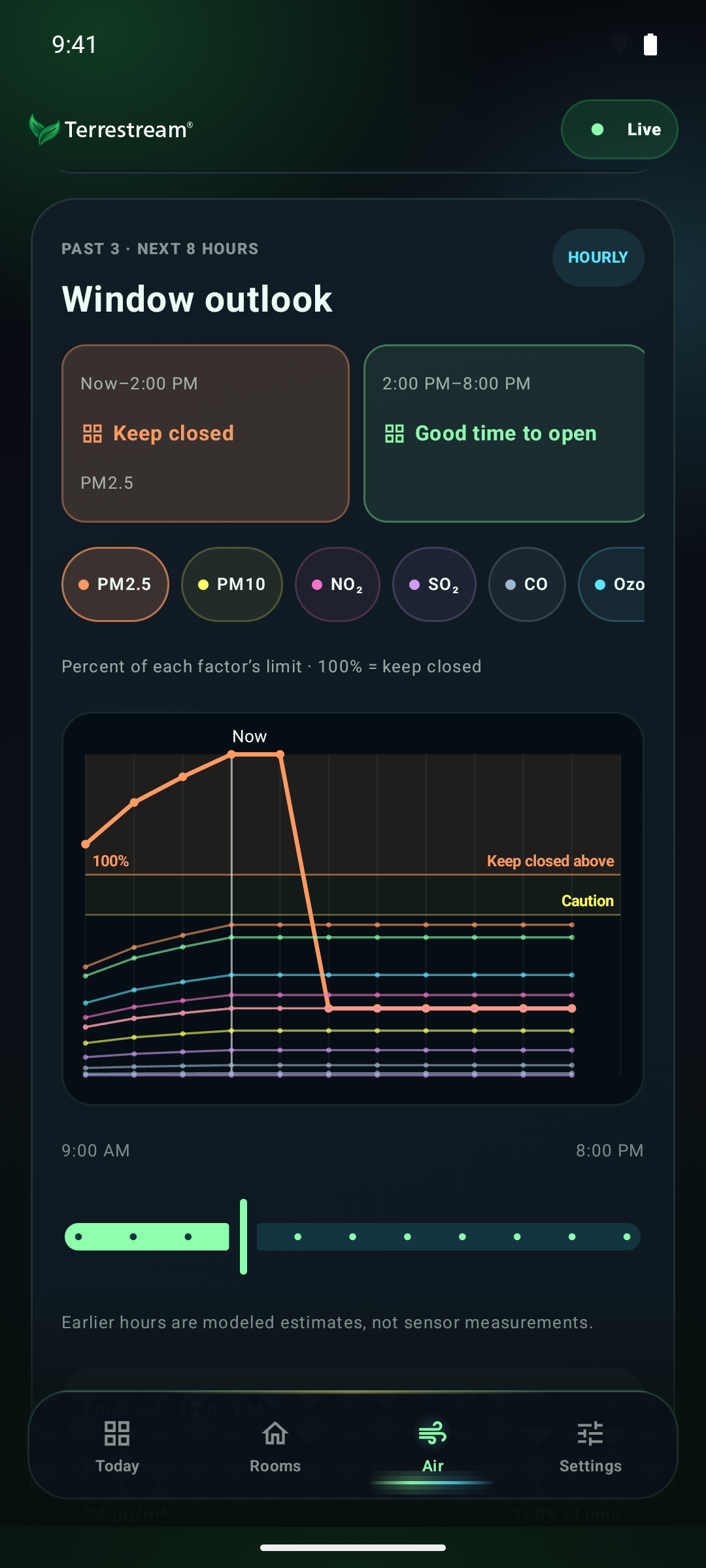
Check outdoor conditions and window guidance before you open up.

Terrestream for Android
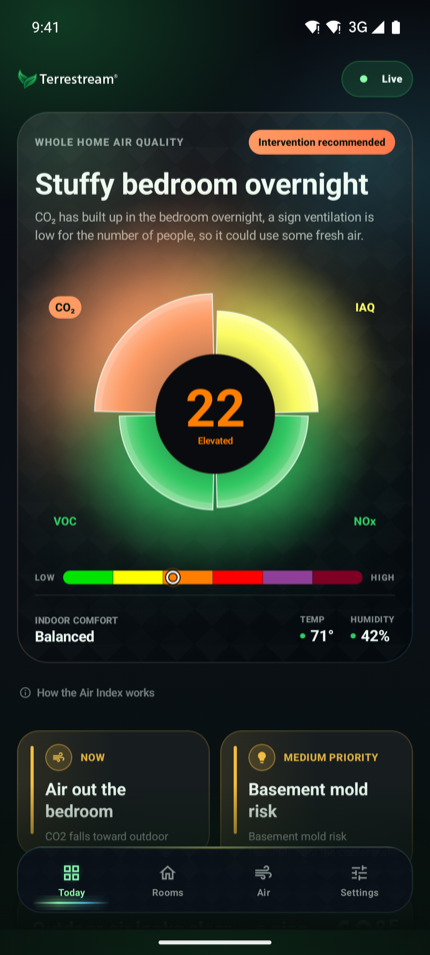
A clearer view of your indoor air. See what is changing, explore each room, and get practical guidance on what to do next.

Official Terrestream download
Also on iPhone. Get it on the App Store
TERRESTREAM
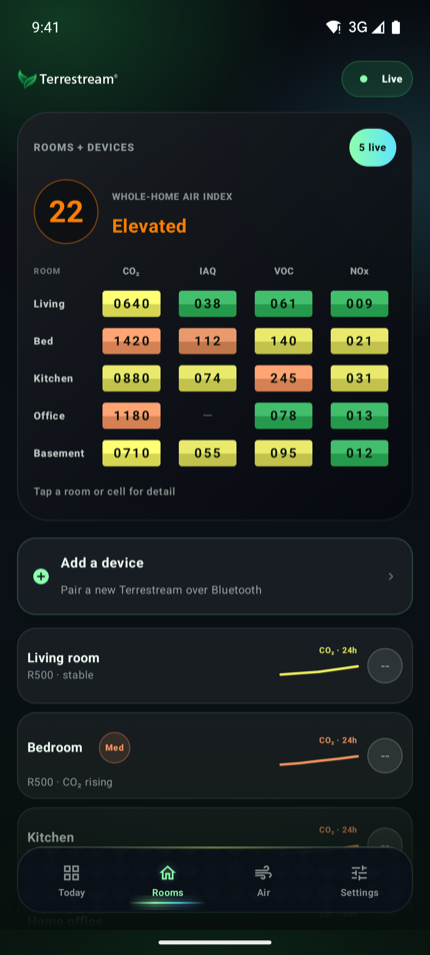
Actual Android app screens, shown with demonstration data.
Check outdoor conditions and window guidance before you open up.
Explore temperature, humidity, and air quality across your connected rooms.
Open this page on your Android phone and tap the download button.
Open the downloaded file. If Android asks, allow your browser to install apps from this source, then tap Install. You can turn that permission off afterward.
Open Terrestream and sign in to your account. Your existing website-installed app can be updated without uninstalling it.
The app checks for updates when you open it, at most once a day. When an update is ready, tap Download update and approve installation. You can also check in Settings.
This download is distributed directly by Terrestream. Switching between this edition and the Google Play edition requires uninstalling the existing app first because the signing certificates differ. Uninstalling removes local app data; make sure you can sign back in before switching.
Version 1.0.3 (4)
File checksum (SHA-256)
5f8c9e7dc5704719c5cfea8734d91c8596244705c5d5c0df0810b8bfa6753fefNeed a hand? Get installation help
Search the knowledge base.