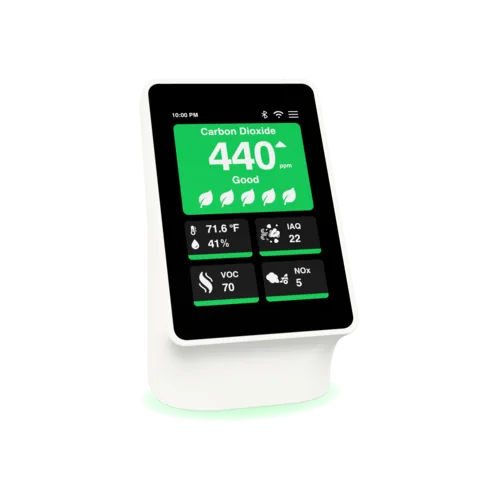


Use reset when starting over. Factory reset clears saved Wi-Fi, settings, claim, and account-linking information from the device.
Reset before a change of owner. A factory reset is the required step before you sell, give away, or recycle the sensor, and before someone else pairs it. Reset the device rather than handing over your login.
Pair again after reset. A reset device goes through Bluetooth pairing, Wi-Fi setup, and claiming again. The next owner sets it up as a new device.
If you no longer have the device. Contact support from your account email and include the device or order details you still have.
Your data. We don't sell your personal information. With your opt-in, our website shares browsing and purchase events with advertising partners (Pinterest, Meta, Reddit) to measure ads. The app doesn't track you. For access, correction, deletion, or export requests, use the self-service privacy portal. The Privacy Policy is the binding source for details.
Ask before relying on a special case. Enterprise, family, beta, and app-store workflows can have different data surfaces, so route unusual privacy questions to support.