

Quiet Hours are schedule-based. Set a start and end time for calmer overnight behavior.
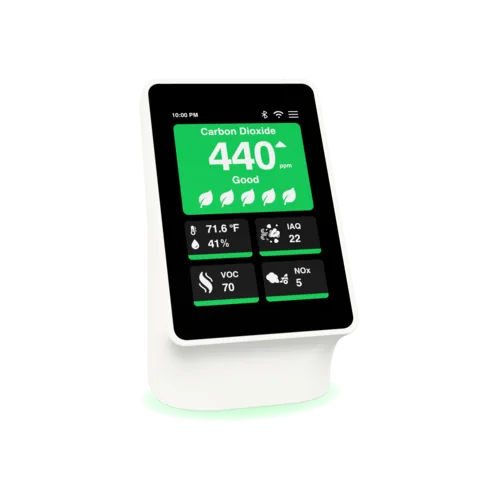
Display, LED, and sound are separate controls. Screen brightness, light-ring level, and volume can be adjusted independently.
Use the device or app. The same practical settings are available from the on-device settings flow and the app.
If a sound still surprises you. The monthly self-clean cycle (first Tuesday of the month, around 10 AM) is separate from Quiet Hours behavior and is normally brief.
Related reading
Understand the reading
-
Dashboard vocabulary
How to read the dashboard and the apps: what band, baseline, spike, trend, anomaly, fingerprint, confidence and cross-reference mean.
-
The Tuesday-morning fan sound
A brief fan sound on the first Tuesday of the month is normally the SEN66 sensor self-clean cycle.
-
Set up your Terrestream
Set up with the mobile app, a computer, or use the sensor on its own.
Find the source
-
Factory reset your device
Factory reset clears saved device configuration, claim, and account-linking information so the sensor can be paired again. Do it before you sell, give away, or recycle the device.
-
Connect Terrestream to Alexa
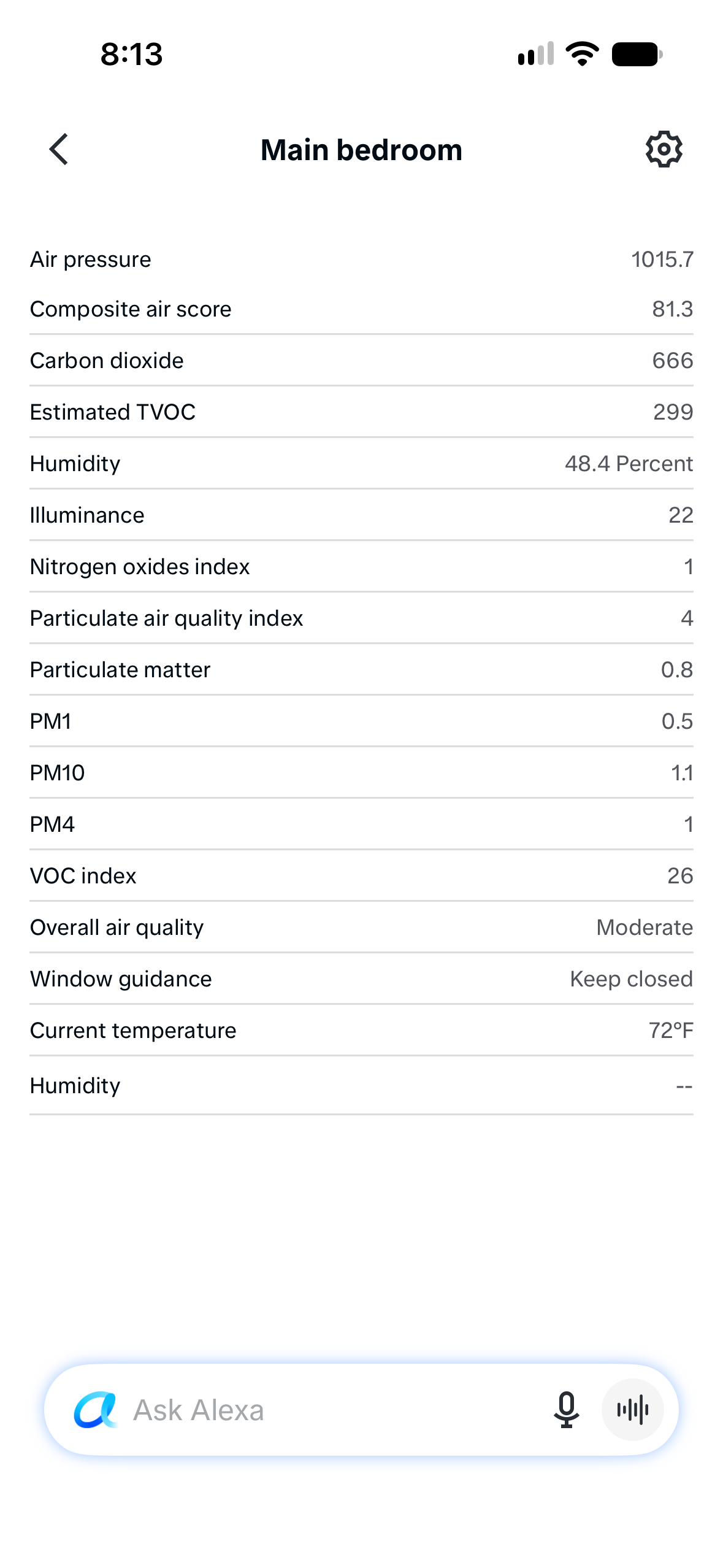
Enable the Terrestream skill, choose your sensors and set up readings and routines. US English.
-
Compare indoor air-quality monitors
A fair, sourced buyer guide to Terrestream, AirGradient ONE, Ruuvi Air, Awair Element, Airthings View Plus, Aranet4 HOME, Kaiterra Sensedge Mini, and IQAir AirVisual Pro.
Take action
-
Terrestream vs Awair Element
Awair Element is a compact five-factor monitor; Terrestream adds broader particulate sizing, NOx, pressure, light, and deeper interpretation.
-
Terrestream vs Airthings View Plus
Airthings View Plus is compelling when radon is central; Terrestream emphasizes multi-signal indoor behavior and local-friendly workflows.
-
Terrestream vs Aranet4 HOME
Aranet4 HOME is a focused portable COâ‚‚ monitor; Terrestream is a broader room air-quality system.