
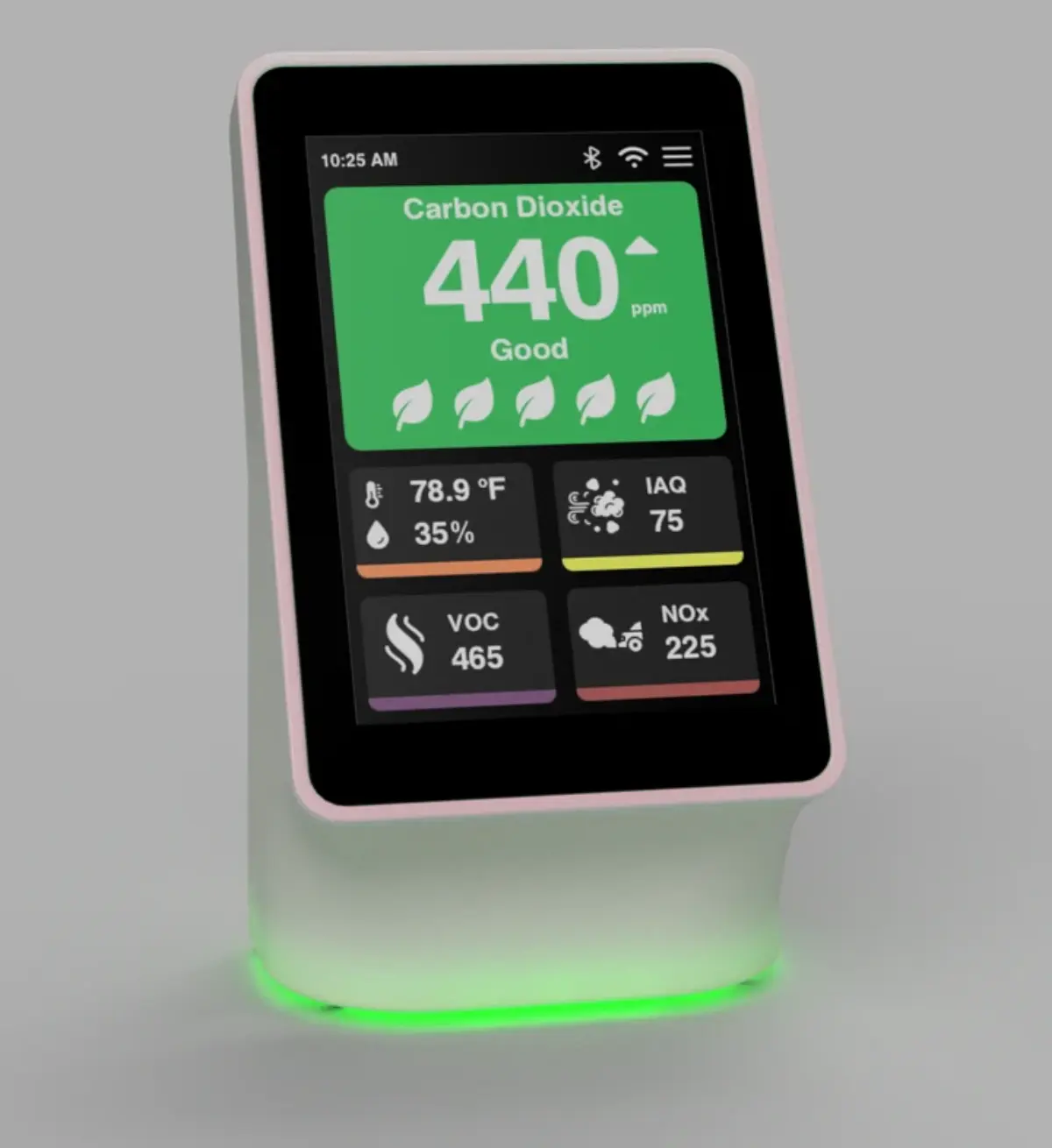
Open pairing in the app. Keep the phone close to the sensor and choose the nearby Terrestream device from the app pairing flow.
Enter the passkey shown on the screen. The device displays a 6-digit code for Bluetooth pairing. If the phone shows a different code, cancel and restart pairing.
Complete claiming promptly. The device claim window lasts 30 minutes. If claiming expires, restart the pairing flow and try again.
If pairing fails. Move closer, make sure the device is in setup mode, confirm Bluetooth is enabled on the phone, then retry. A factory reset is the clean path if the sensor was previously bound to another account.